




























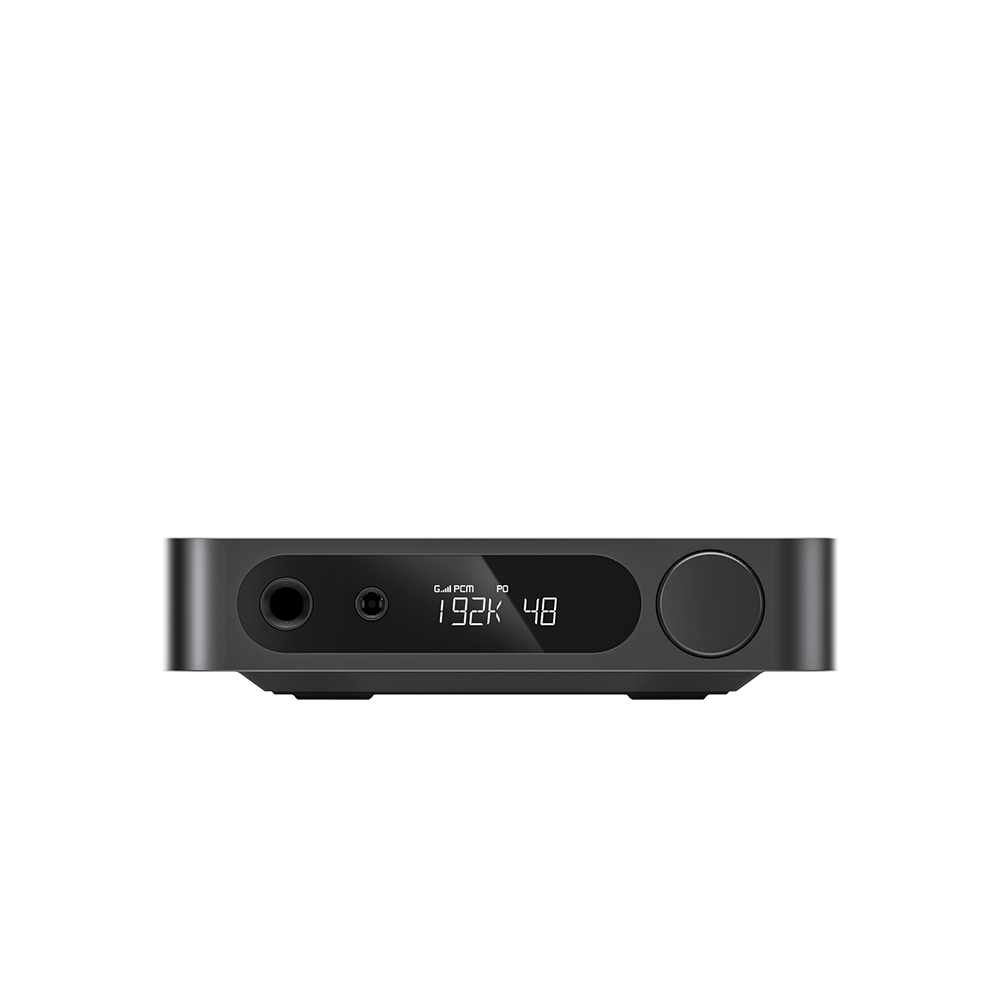













































4. EA13 Knob Operation Instructions
Left Knob (Standby button and input selection knob)
Single press: Switch between RGB light effects
Double press: Turn off RGB light
Rotate: Switch between input channels
Long press: Power on/standby
To disable the no‑signal auto‑standby function: When the unit is in standby (channel‑selector knob shows red light), double‑click the knob. The red LED flashes twice to confirm deactivation. Repeat the same operation to re‑enable auto‑standby; the red LED will flash once.
Right Knob (Volume knob)
Clockwise rotation: Volume up
Counterclockwise rotation: Volume down
Always turn down the volume before use, then gradually increase it to your preferred listening level to prevent headphone damage.
ꄘViews:0
