




























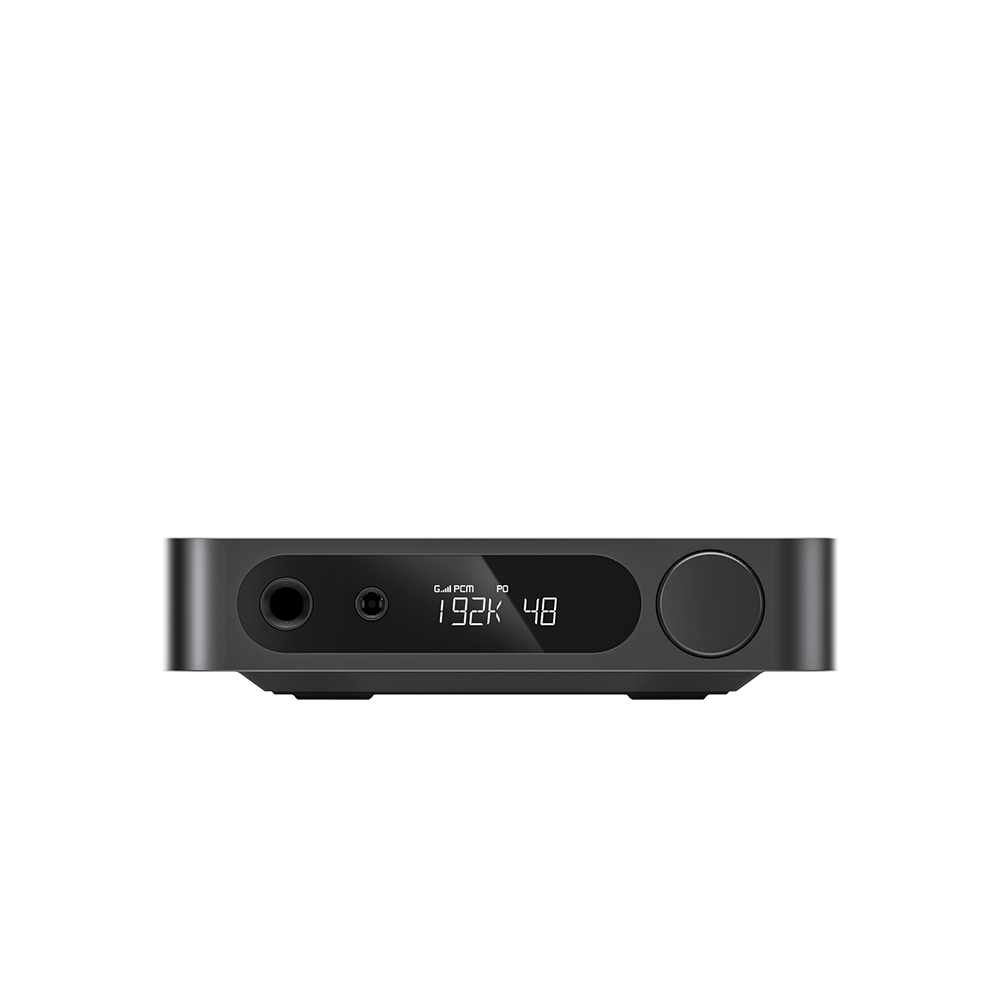













































6. How to Disable Auto‑Standby
Auto‑standby: The EA13 automatically enters standby after 30 minutes of no input signal; the input‑selector indicator turns red.
To disable no‑signal auto‑standby: When the unit is in standby (channel‑selector knob shows red light), double‑click the knob. The red LED flashes twice to confirm deactivation. Repeat the same operation to re‑enable auto‑standby; the red LED will flash once.
ꄘViews:0
