





























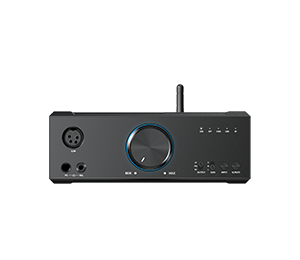













































19. Instructions for M27 Settings->Display
1.Sample rate display
With it turned on, the sample rate of the currently playing song will be displayed.
2.Dark theme
With it turned on, the theme will switch from the default white theme to a dark theme.
3.Brightness level
Adjusting the brightness of the M27.
4.Indicator light control
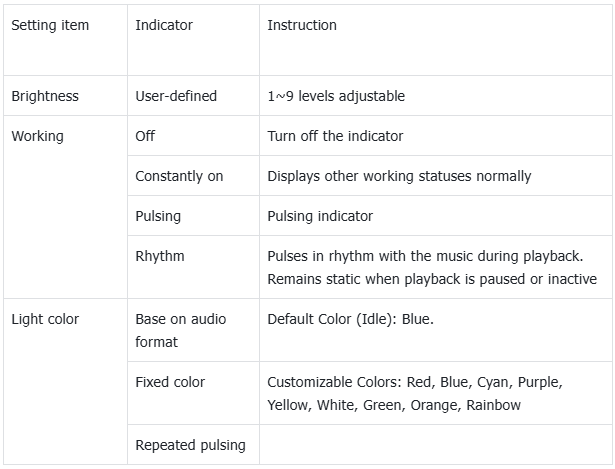
On/off with the display: After enabling it, the indicator will on on off synchronously with the screen
5.Night light
The color of the display screen will be adjusted in amber under Night light mode. You could enable the Night light mode at a custom time , or from sunset to sunrise.
6.Screen timeout
Consistent with the screen saver time. Adding this option to make it easier for users to adjust the time.
7.Font size
Customize the font size according to your preference.
8.Display size
Make the items on your screen smaller or larger according to your preference.
9.Lock screen
Setting the content to be displayed when the screen is locked.
10.Auto-rotate screen
The M27 has a built-in gravity sensor that supports automatic screen rotation. This function can be enabled in the dropdown menu or Settings- Display. Once enabled, the screen will automatically rotate based on device orientation.
