







































































The new firmware V1.27 for FIIO QX11 is now available!
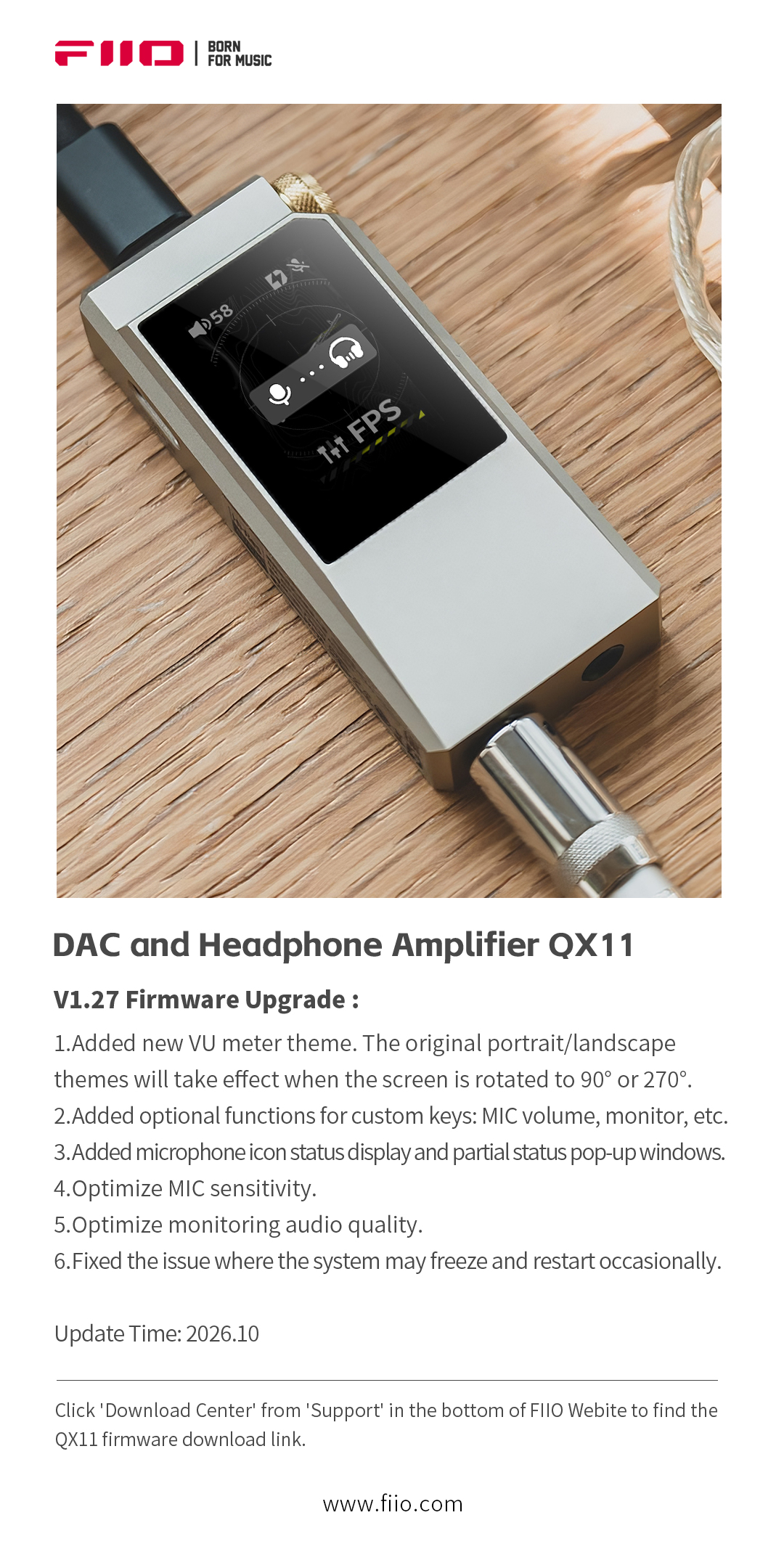
How to upgrade the firmware of QX11
Method 1: Upgrade via the FiiO Control app
-
Download and install the latest version of FiiO Control on an Android phone.
-
Connect the QX11 to the Android phone, power on the QX11, add a USB device in the app, and select FiiO QX11.
-
If a new firmware version is available, a firmware-update pop-up will appear automatically. Tap Update to proceed.
-
If no pop-up appears, go to Settings > Firmware Update > Online Update, then tap Check for Updates.
-
You may also select Local Update and choose a firmware package that has already been downloaded to the phone.
Method 2: Upgrade via the FiiO Control web version
-
Open the FiiO Control web page: Click here
-
Connect the QX11 to your computer and open the webpage.
-
Select Configuration, then click Device Update.
-
Wait for the firmware update to complete.
QX11 V1.27 firmware download link: Click here
